
The Hidden Complexity Behind Simple Automation
Automation quietly runs the modern web. Emails send themselves, databases update in the background, analytics refresh automatically, and APIs communicate without anyone pressing a button.
From the outside, everything looks effortless.
Behind the scenes, however, many of these automated actions depend on something surprisingly complicated: scheduling.
Developers frequently need tasks to run repeatedly — every hour, every day, or at precise intervals. Traditionally, this means configuring cron jobs on servers, keeping those servers online, managing environments, and troubleshooting when something silently fails.
For large production systems, this setup makes sense. But for smaller projects, indie tools, and experiments, it often feels excessive.
What should be a quick setup turns into infrastructure work.
A task that sounds simple suddenly demands maintenance.
Why Traditional Cron Jobs Don’t Fit Modern Workflows
Cron jobs were created for an era where applications lived on permanent servers. Today, many projects are serverless, API-driven, or distributed across multiple services.
Yet scheduling still assumes one thing: that you manage infrastructure.
Developers often find themselves maintaining systems just to trigger a single action at the right time. Servers stay online purely for automation. Failures can go unnoticed. Configuration becomes another layer to maintain.
The action itself triggering something on schedule is straightforward.
The environment required to support it is not.
This mismatch is why lightweight scheduling tools are becoming increasingly relevant.
Turning Scheduling Into a Simple Web Action
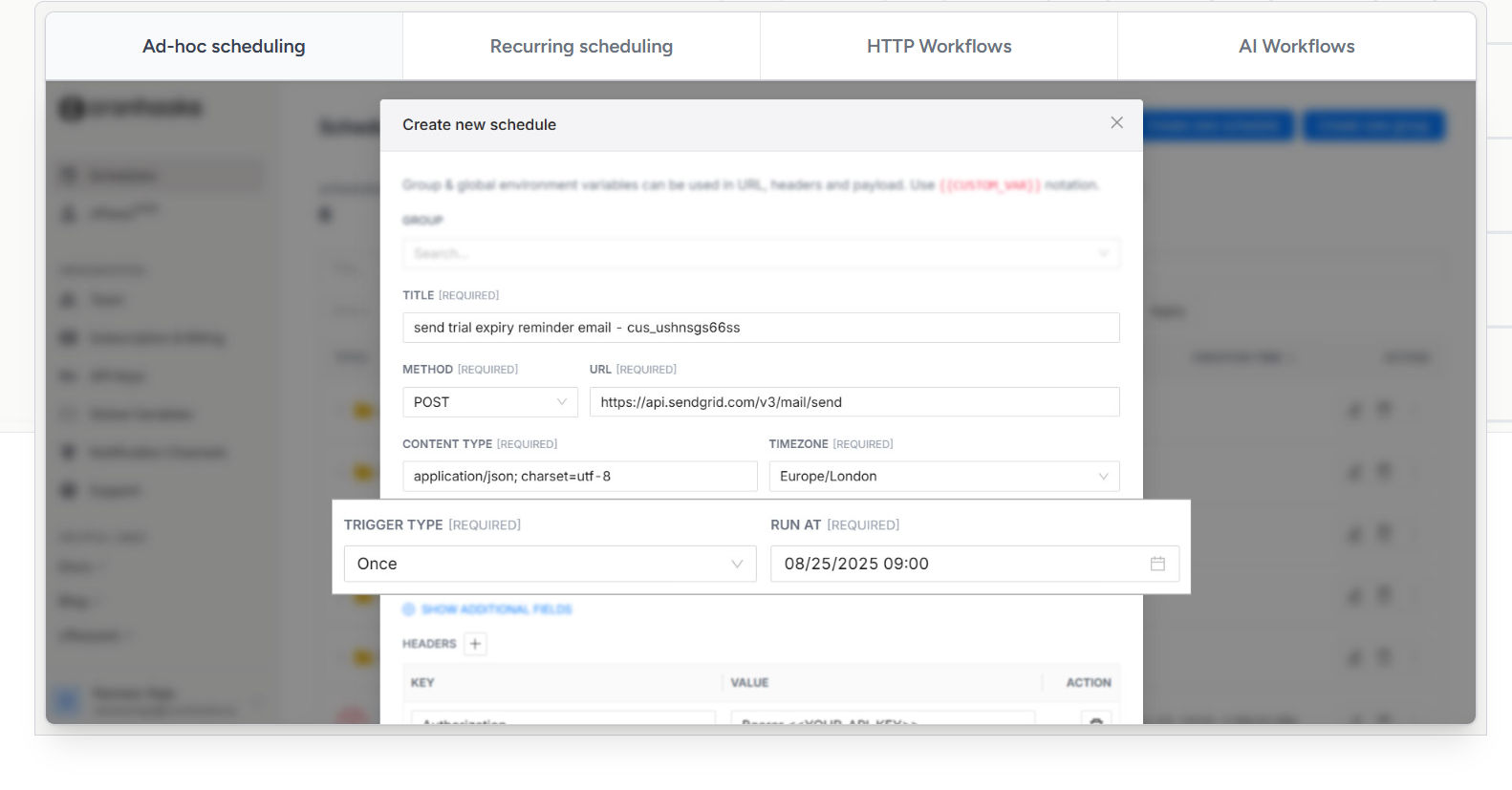
Instead of treating automation as a backend responsibility, Cronhooks reframes it as a simple configuration step.
The idea is refreshingly direct: schedule a webhook that sends a request to a specific URL at a chosen time or interval.
No servers to maintain.
No cron files to manage.
No background processes to monitor.
You decide when something should happen and where the request should go. The system handles the execution quietly in the background.
This small conceptual shift makes automation feel accessible again.
How It Works (In Plain Terms)
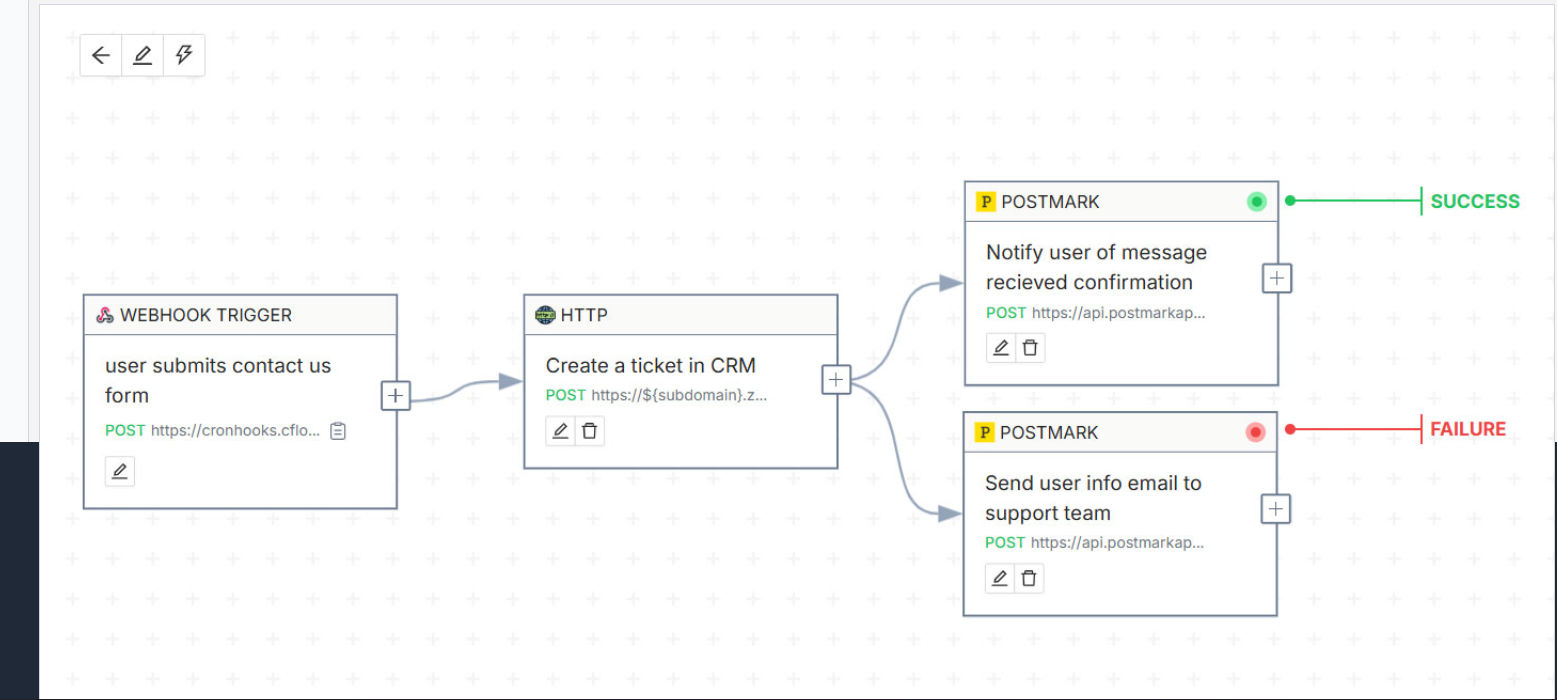
The workflow is intentionally uncomplicated:
- Create a scheduled hook
- Choose how often it should run
- Add your endpoint URL
- Save and let it execute automatically
Once configured, requests are triggered exactly on schedule without needing deployments or server uptime.
Automation becomes independent from your application environment — something you set once and trust to run.
Real Situations Where This Becomes Useful

At first glance, webhook scheduling seems like a small feature. In practice, it solves many everyday development problems.
It can trigger workflows, refresh cached content, sync services, send timed notifications, or connect separate tools together without manual intervention.
For indie builders especially, removing infrastructure overhead changes how quickly ideas can move from concept to execution.
Instead of building systems around automation, automation becomes something you simply add when needed.
Designed for Builders Who Prefer Simplicity
Many modern platforms assume teams with DevOps pipelines and complex deployment environments. But a large portion of developers work alone or on small projects where simplicity matters more than scale.
Here, the experience feels intentionally minimal.
The interface focuses only on scheduling and execution, avoiding unnecessary configuration layers or enterprise complexity. That restraint makes the tool approachable even for developers who only need automation occasionally.
It feels less like managing infrastructure and more like setting a reminder for your application.
The Rise of Micro-Infrastructure Tools
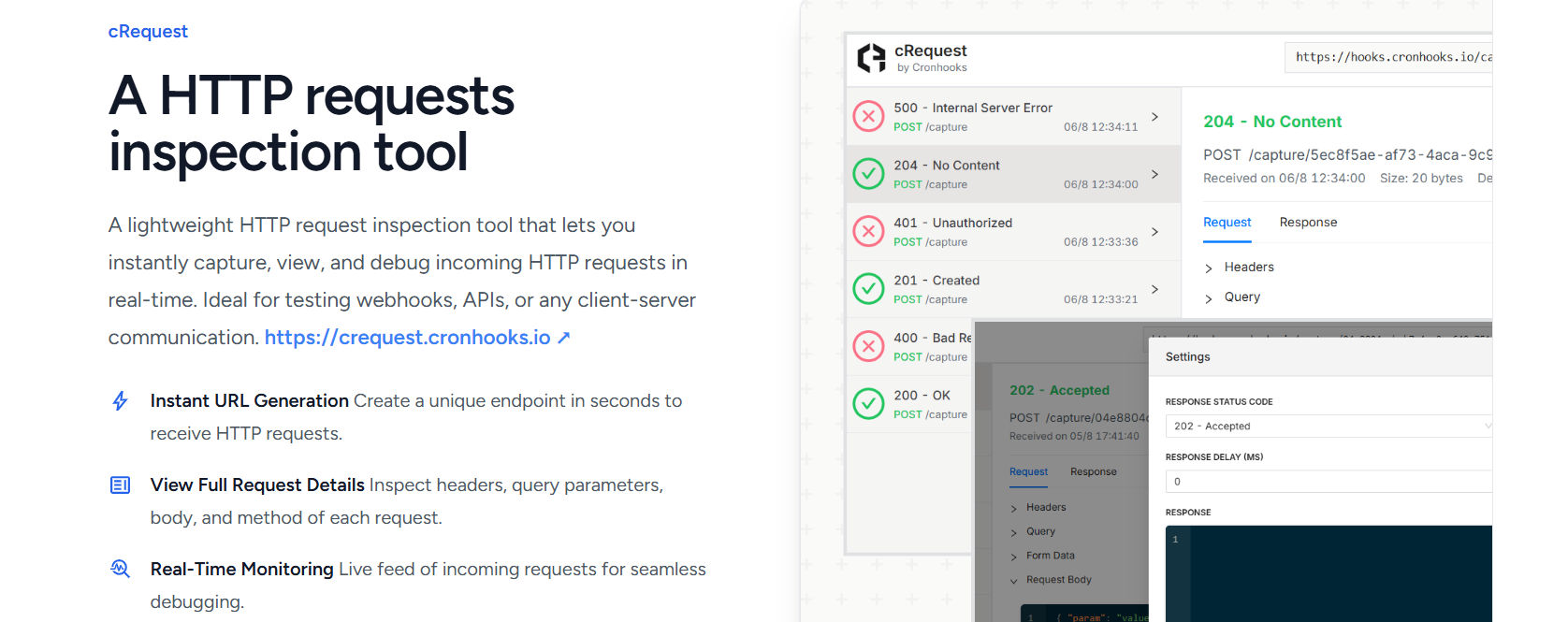
Software development is gradually moving toward smaller services that solve very specific problems well.
Rather than managing entire systems, developers now assemble workflows from focused tools — hosting for deployment, APIs for functionality, and lightweight services for automation.
Webhook schedulers represent this growing layer of micro-infrastructure: tools designed not to add complexity, but to remove it.
They don’t replace backend systems. They simplify the parts that never needed to be complicated in the first place.
Why This Approach Matters
As development becomes faster and more experimental, builders increasingly value tools that reduce friction instead of introducing new responsibilities.
Scheduling shouldn’t require maintaining servers.
By separating automation from infrastructure, lightweight scheduling platforms allow developers to focus on building features rather than maintaining background systems.
Sometimes the most impactful software isn’t the one doing more — it’s the one quietly removing the work that never needed to exist at all.
How to Use Cronhooks
Getting started with Cronhooks is intentionally straightforward. The platform is designed so developers can create automation in minutes without setting up infrastructure.
Here’s what the typical workflow looks like:
1. Create a New Hook
After opening the dashboard, create a new scheduled hook. This represents the task you want to automate.
You don’t need to configure servers or install anything — everything happens directly inside the interface.
2. Choose When It Should Run
Select how often the task should execute. This could be every few minutes, hourly, daily, or based on a custom schedule depending on your use case.
The scheduling step replaces traditional cron configuration entirely.
3. Add Your Webhook URL
Paste the endpoint URL you want triggered. This can be:
- an API endpoint
- a backend route
- an automation workflow
- a serverless function
Whenever the schedule runs, Cronhooks sends a request to this URL automatically.
4. Save and Activate
Once saved, the hook becomes active immediately. No deployment or background service is required.
From this point forward, the task runs on schedule without additional maintenance.
5. Monitor Executions
You can view execution history and confirm whether requests were successfully triggered, making it easier to debug or verify automation behavior.
The entire process turns what used to require infrastructure setup into a simple configuration step.


