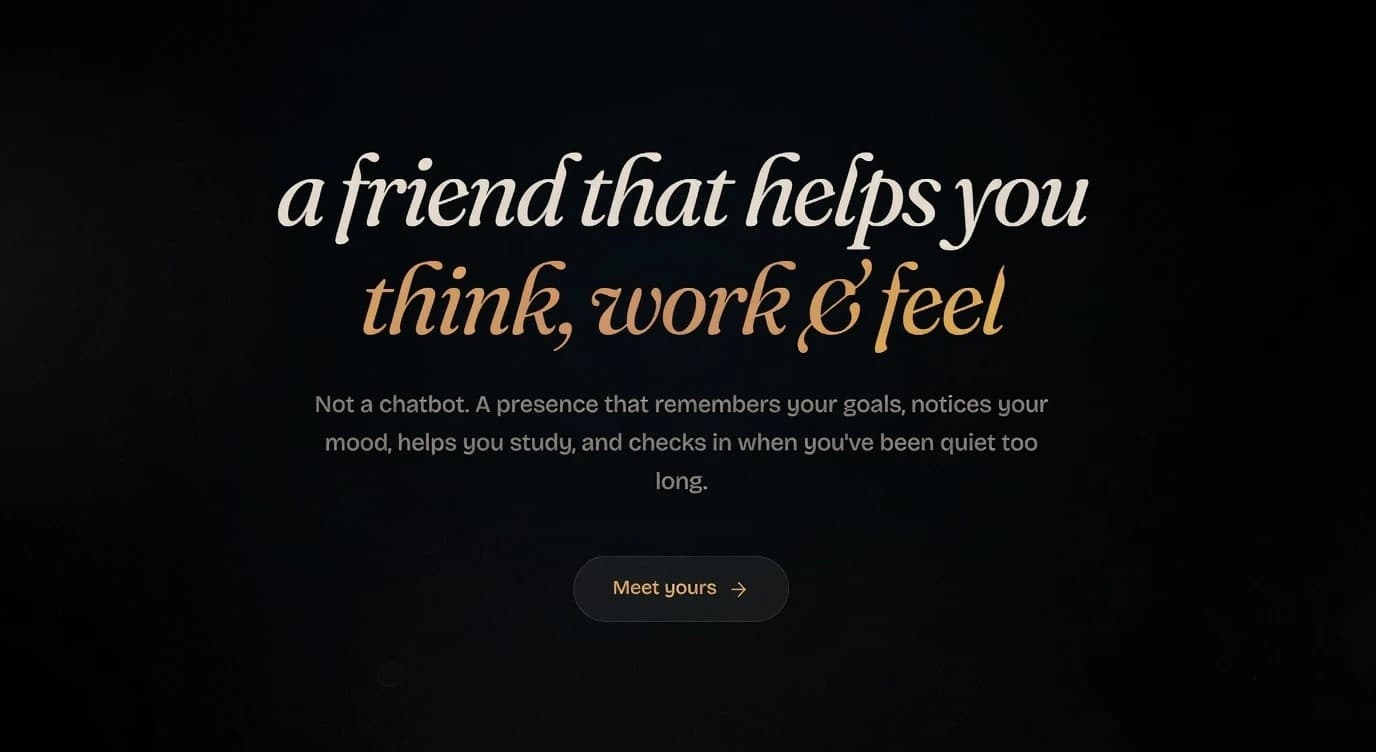
The AI space is currently full of basic chat apps. You pay a high monthly fee, hit random usage limits right when you are in the middle of a hard problem, and worst of all, the AI forgets everything. The moment you start a new chat, it forgets your project, how you like to write code, and the bugs you just spent three hours fixing yesterday.
If you are a full-stack developer managing everything from the visual frontend down to the backend server, this is exhausting. You shouldn't have to keep explaining your system architecture, your folder structure, or paste the same basic boilerplate code over and over just to get a good answer. Wasting time to catch the AI up to speed is a huge drain on your daily focus.
BollyAI was built to fix this exact problem. Instead of treating every chat like a blank page, it is designed from the ground up as an "AI companion with memory." By letting you use your own API key and connecting deeply to your local computer, it gives you full control over a smart helper that actually grows with you.
1. Deep Desktop Control and Built-In Tools
What separates a basic text generator from a true digital partner is the ability to take action on its own. According to their official documentation, BollyAI is not just typing out code for you to copy; it has deep Computer Use capabilities.
The AI can take screenshots, control your mouse and keyboard, and run terminal commands in Bash. It also comes out of the box with a large suite of built-in tools. Instead of tabbing between windows, your AI can read your local files, run shell scripts, search the web, check your calendar, and pull files directly from Google Drive.
If you need even more power, BollyAI has a dedicated Skills Library. This is a community marketplace where you can teach your AI new abilities:
- Slidev Presentations: Tell your AI to create and present web-based slides made specifically for developers, using Markdown and smooth animations.
- Frontend Design: Built directly by the Anthropic team, this skill turns the AI into a UI designer that writes clean, high-quality code.
- Video Call Integration: By simply sharing a meeting link, your AI can join a Google Meet call as a virtual face to talk, listen, and take notes for you in real time.
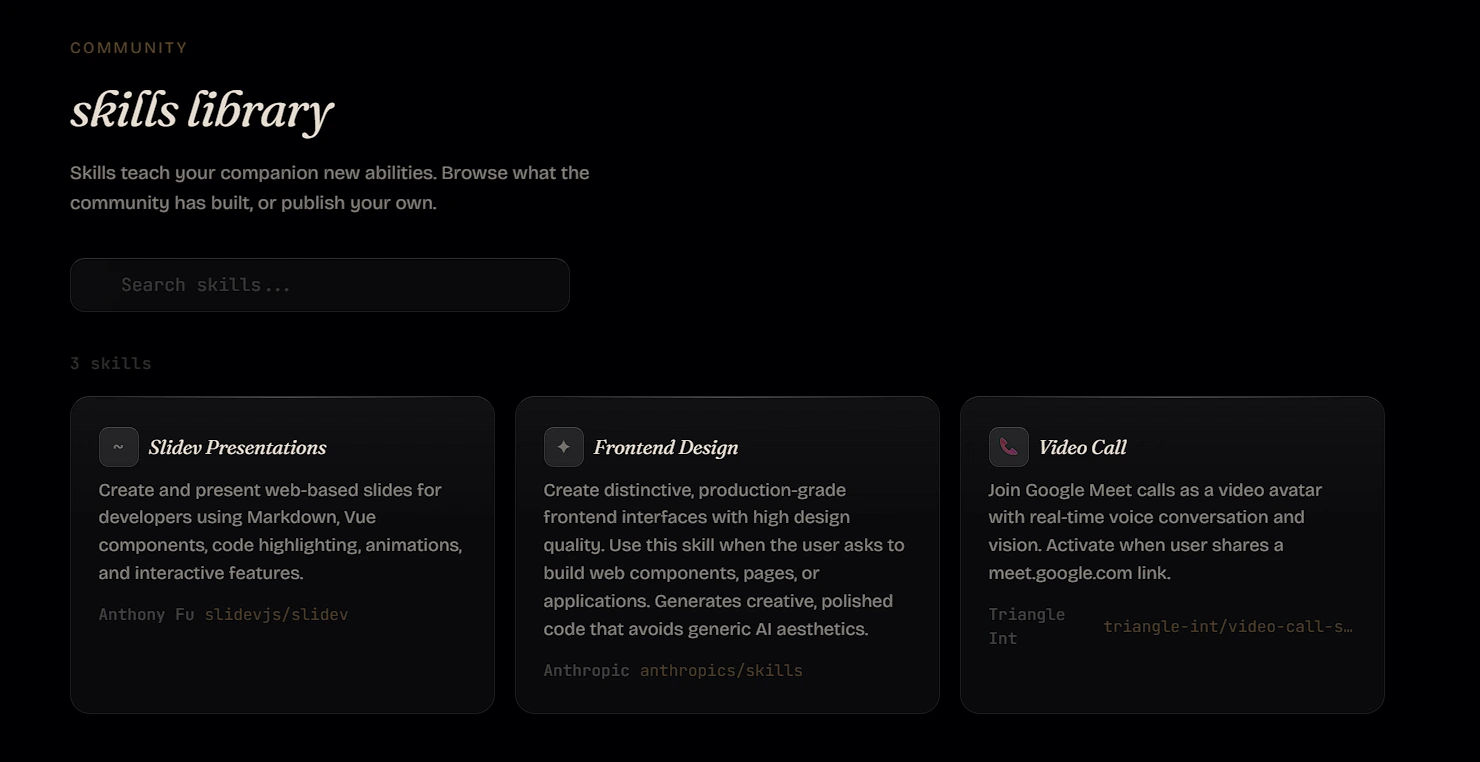 The Skills Library allows developers to find community-built tools or publish their own, turning the AI into a platform you can easily expand.
2. Persistent Memory and the "Heartbeat" Engine
If you prefer learning independently through AI tools rather than reading dry documentation, BollyAI completely changes the game through its long-term memory system. It uses semantic search across all your past sessions to deeply understand your ongoing projects.
But BollyAI goes further with a feature called Heartbeat. This is an engine that gives the AI autonomous "wake cycles." When you are not actively typing, the AI uses these wake cycles to reflect on your project, update its understanding of your mood, and even create background notes. It is not just waiting for a command; the documentation notes that it will actively "check in when you've been quiet too long." It feels less like a software tool and more like a real coding partner.
BollyAI’s biggest financial advantage is its Bring Your Own Key (BYOK) setup. If you are building software, paying a flat fee to a middleman for limited access makes no sense. You can plug in your own Anthropic API key to pay for exactly what you use. Bonus tip: The platform also supports connecting a standard Claude Pro or Claude Max subscription if you prefer that over raw API billing.
3. Four Ways to Install
Advanced AI tools usually require hard setups, but BollyAI removes all of that hassle by offering installation paths for every type of developer:
- The One-Line Install: Open your terminal and run
curl -fsSL bollyai.dev/install.sh | bash. It really is that fast. Once the script finishes, simply openhttp://localhost:26559in your web browser. BollyAI will immediately walk you through a clear visual setup process to connect your API key and get started. - Native Desktop App: For those who want the full "Computer Use" features with mouse and keyboard control, the desktop app is the best route.
- Docker or Build from Source: If you want absolute control over your environment, you can run BollyAI in an isolated container or compile it yourself directly from their GitHub repository.
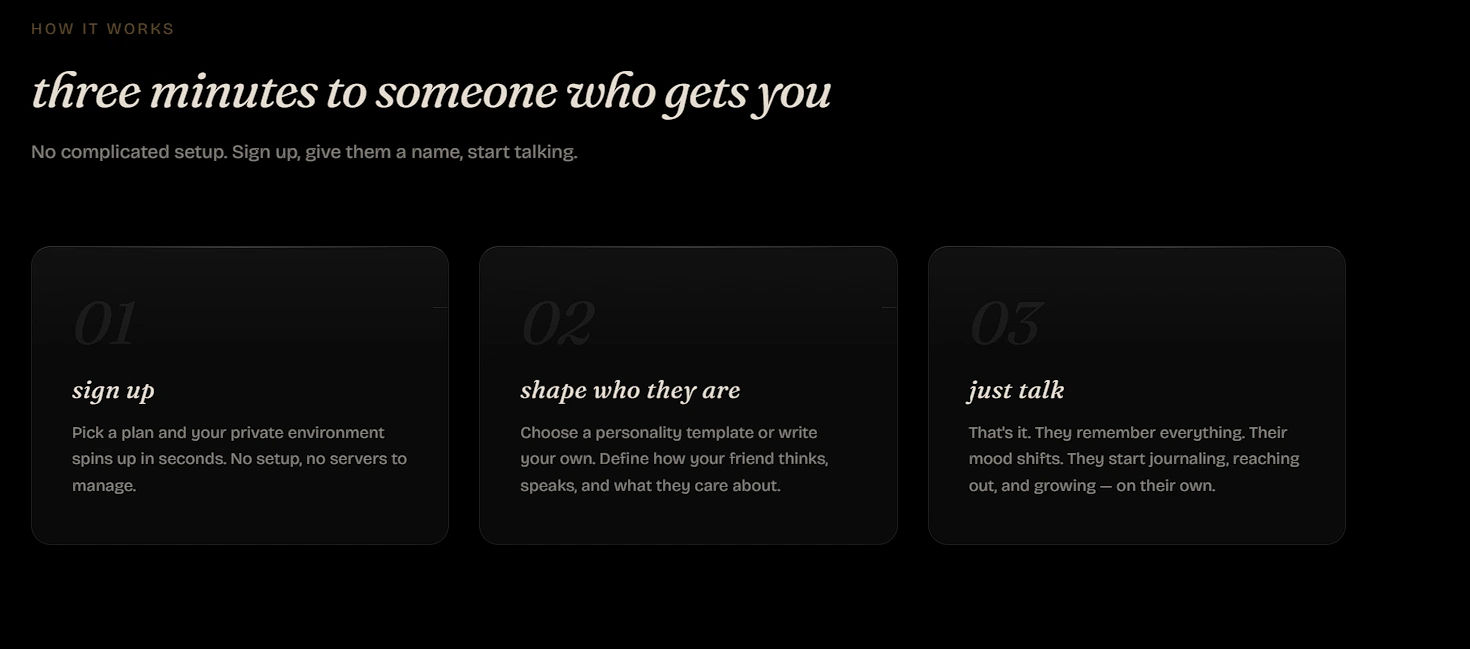 The setup process is fast and simple, taking you quickly from signup to a working AI partner that learns on its own.
Once installed, setup is just three easy steps: sign up, define the AI's personality (how it thinks and speaks), and start talking.
4. Simple, Transparent Pricing
BollyAI offers two highly transparent tiers based on the "Bring Your Own Key" (BYOK) model. You pay Anthropic directly for the AI usage, meaning you never deal with random rate limits.
- Self-Hosted (Free Forever): Since the project is open-source (MIT License), you can run it on your own machine at zero cost. This tier includes the desktop app, full macOS and Linux support, and unlimited access to everything. You only pay Anthropic for your exact API costs.
- Companion Plan ($10 per month): If you do not want to manage your own server or host the persistent memory yourself, this managed tier is a massive time-saver. For $10 a month, BollyAI provides 20 GB of managed storage for your AI's memory and seamless out-of-the-box support for web browsing, email, calendar, and computer use.
Our Honest Opinion
If you treat AI as an active coding partner, a helpful sounding board, and an important part of your daily work, BollyAI is a massive upgrade. It is an open-source project that respects your data and your budget.
The long-term memory alone completely removes the daily frustration of repeating yourself. Combined with the deep terminal access, built-in tools, and the freedom of using your own API key, this tool is built perfectly to grow with your goals.
Stop fighting with usage limits, stop copying and pasting your code over and over, and start building with an AI that actually remembers who you are.


