Most teams run into the same problem with automation tools.
At first, everything feels easy. You set up a trigger, add an action, and it works. But after a few weeks, things start getting messy. You add more steps, conditions, and logic, and suddenly the workflow becomes hard to understand.
Now if someone else on your team needs to update it, you have to explain everything again. It starts taking more time to manage the automation than the work it was supposed to save.
And when it comes to AI, it usually feels disconnected. You add it as a step, but then you have to handle prompts, outputs, and formatting yourself. It doesn’t feel smooth.
That’s where Workflow Machine feels different.
It keeps things simple. You build workflows that anyone can read, and AI works inside them without making things complicated.
Start by Connecting Your Tools
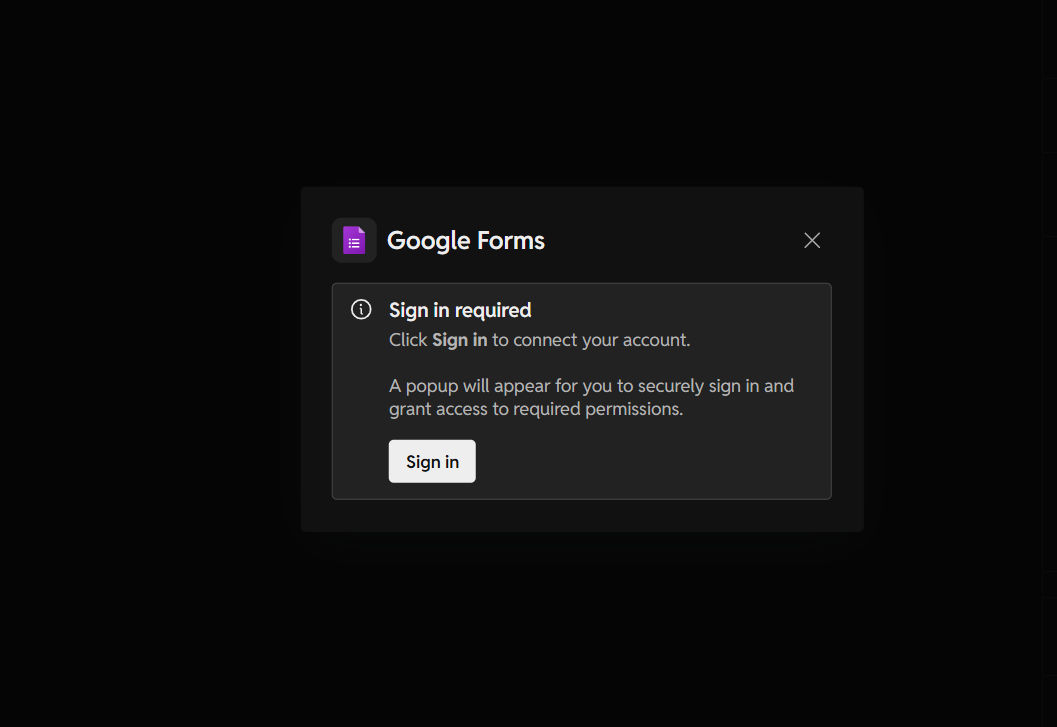
The first step is simple. You connect your apps.
This is where everything begins. Once your tools are connected, Workflow Machine can listen for events and start automations based on them.
For example, you can connect something like Google Forms and use new responses as a trigger.
Build Your Workflow
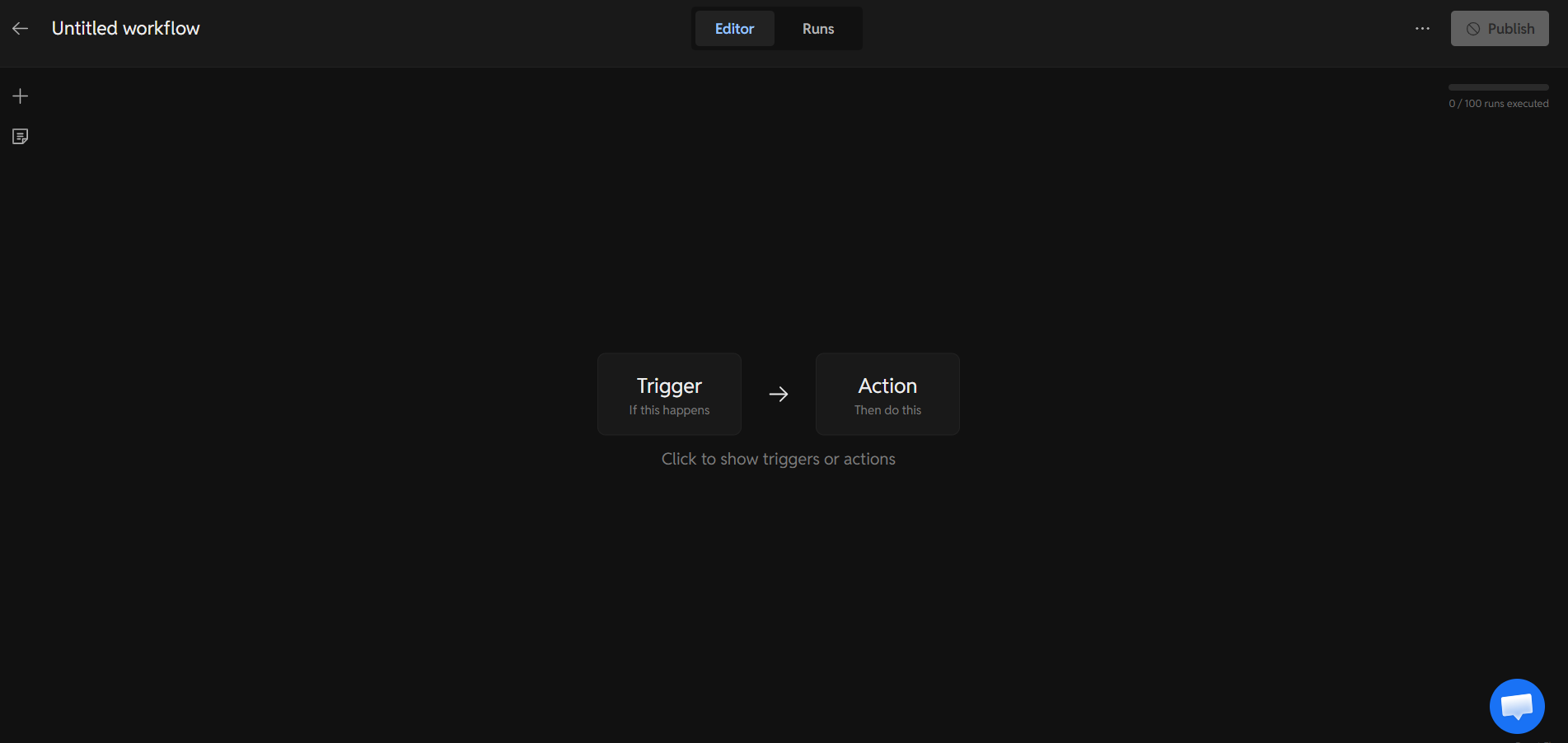
Once your tools are connected, you move on to building your workflow.
You start with a trigger and then add actions. The interface is clean and easy to follow. You are not dealing with confusing diagrams or hidden logic.
It feels more like setting up simple steps than building something technical.
Add Triggers and Logic
This is where your workflow starts doing real work.
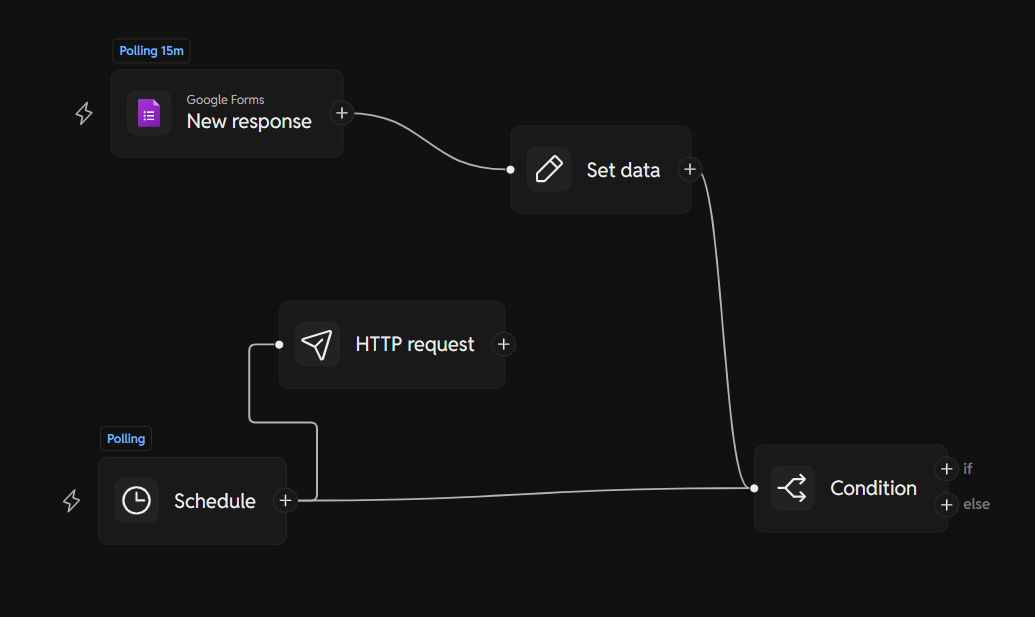
You define what should happen and when. For example, when a new form response comes in, you can process the data, send it somewhere, or apply conditions.
You can also add things like schedules, HTTP requests, or conditions to control the flow.
Everything is visible, so you can understand it at a glance.
Add AI Where You Need It
Now comes the powerful part.
You can add AI just like any other step. It doesn’t feel separate or complicated.
You can use it to:
- Summarize responses
- Generate content
- Organize data
- Make decisions inside your workflow
It fits naturally into the flow, which makes a big difference.
Check Your Workflow Runs
Once your workflow is live, you can track everything.
You can see when it runs, what happened, and if anything failed. If something goes wrong, you know exactly where it happened.
This makes it easy to fix issues without starting over.
A Real Example
In the example above, a simple automation is created.
A Google Form response is used as a trigger. Then the data is processed, and conditions decide what happens next. You can also add external requests or scheduled checks.
It’s a simple setup, but it shows how flexible the system is.
Pricing (Simple and Clear)
The pricing is easy to understand.
The free plan lets you test real workflows. Paid plans give you more runs and more workflows as you grow.
You don’t need to pay upfront just to try it, which makes it easy to get started.
Honest Thoughts
Workflow Machine keeps things simple without limiting what you can do.
It focuses on clarity, which means your workflows don’t turn into something only one person understands.
Anyone on your team can open a workflow and follow it without needing help.
Why It’s Worth Trying
If your team is still doing repetitive work or moving data between tools manually, this can save a lot of time.
More importantly, it helps you build systems that are easy to manage and improve over time.
Because in the end, a workflow that’s easy to understand is one that actually gets used.


